
Bulk Add and Order Related Entities
Users can now easily add and order services on their related entities on bulk. Simply click on the expand icon from the related entities tile, view the list and bulk action.

Control the Reviewal Status
Users can now change the service scope’s reviewal status from my case details and my third party’s page.

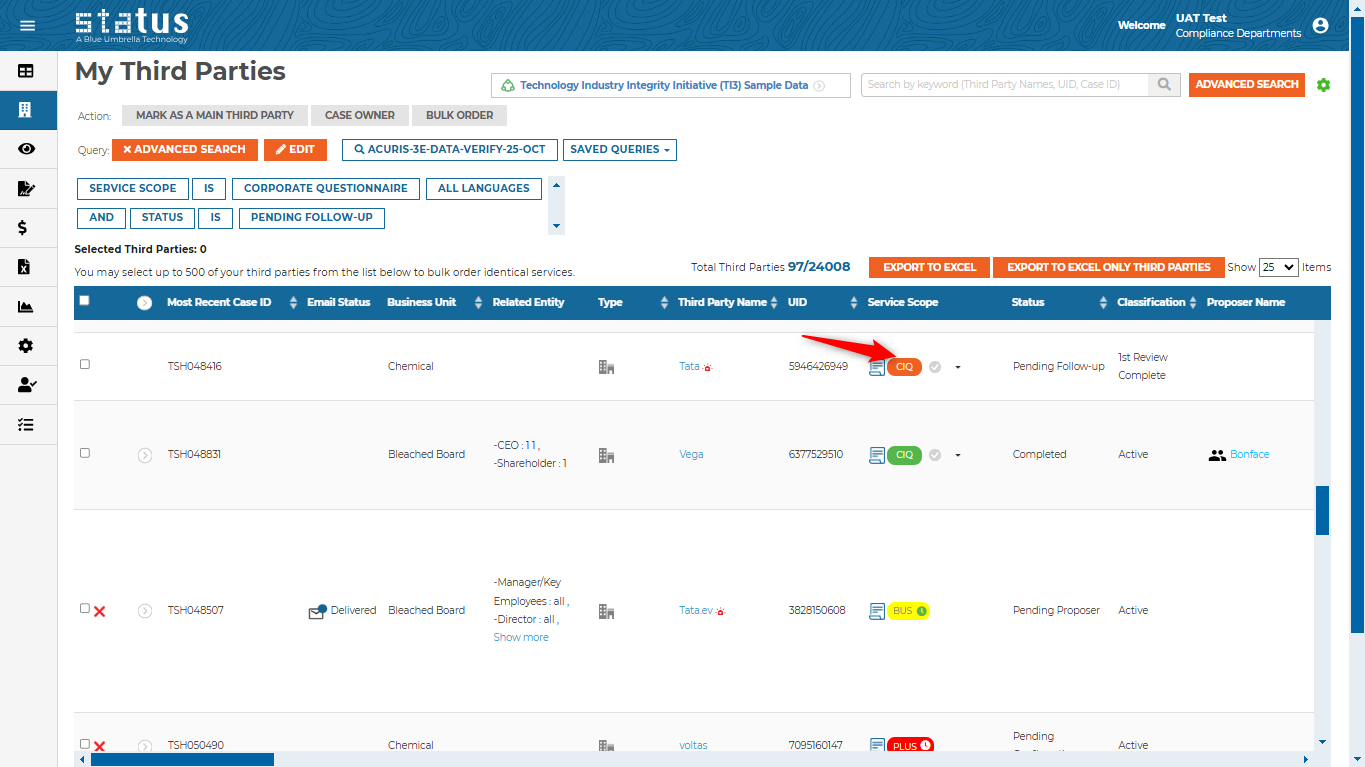
Pending Follow up Status
The service scope’s icon will turn orange if the third-party questionnaire is pending follow up.
Email Notification Capabilities
Users can now include the risk level and percentage to the change of classification email template and attach documents.

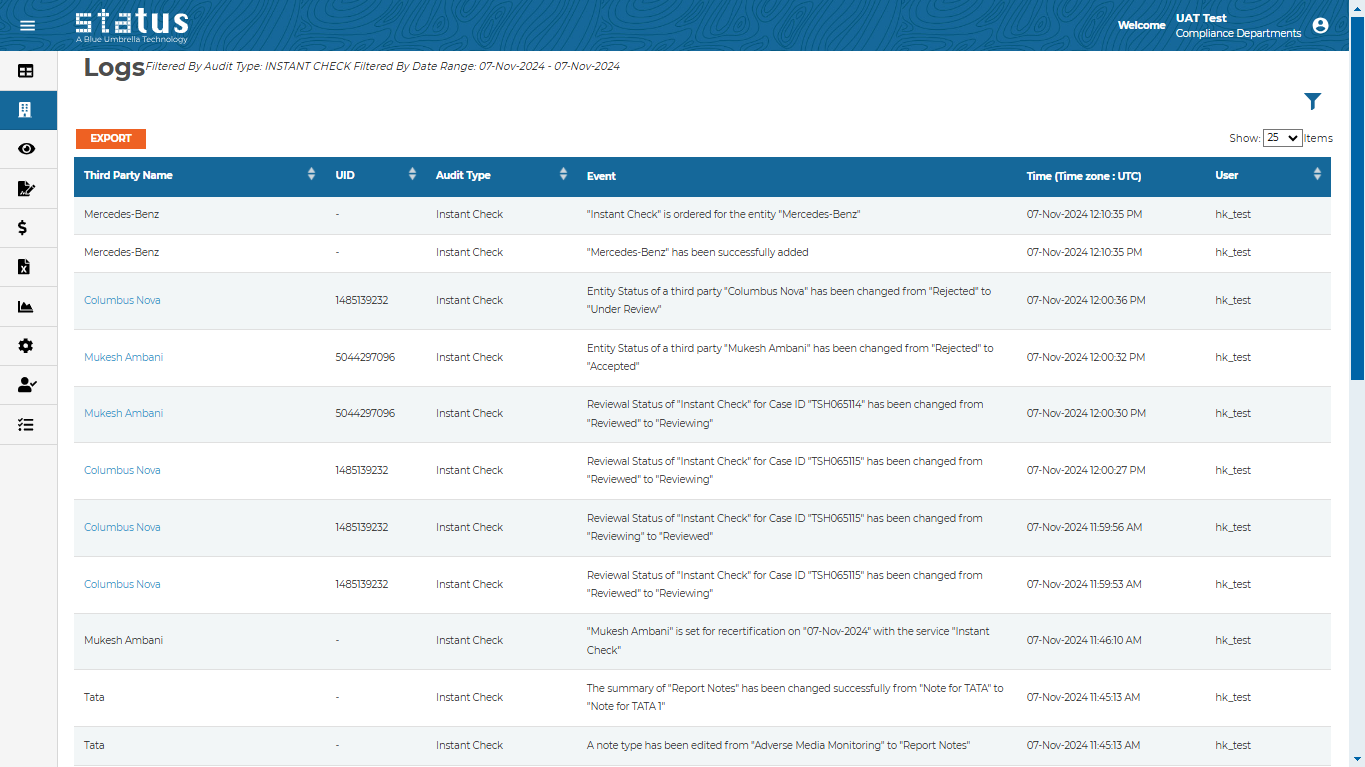
Instant Check Log
Users can now have an audit trail of any action taken on instant check from the Logs page.
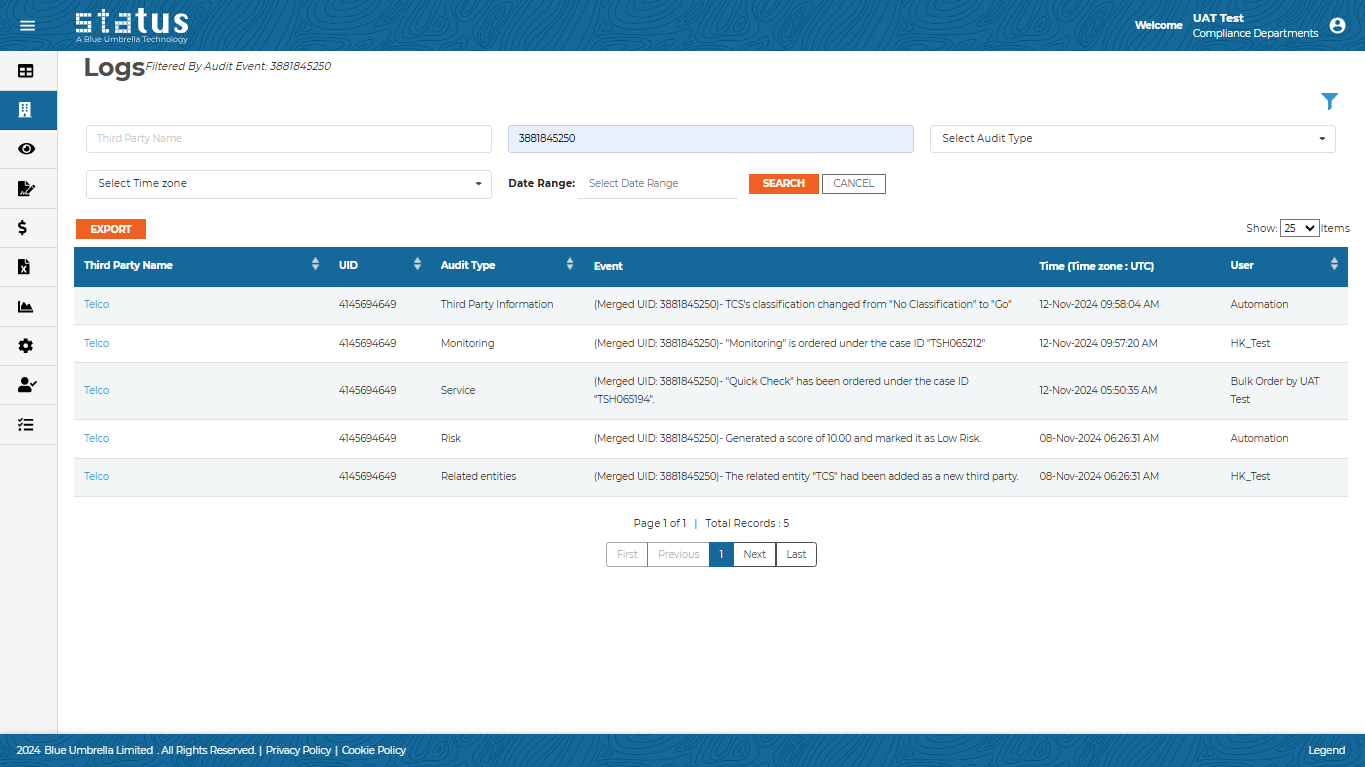
Merged UID
The merged ID is now available on the logs page for better identification of the merged third parties.
Business Intelligence Filter Collapsed
Once the user clicks on search, the filter will be hidden automatically.

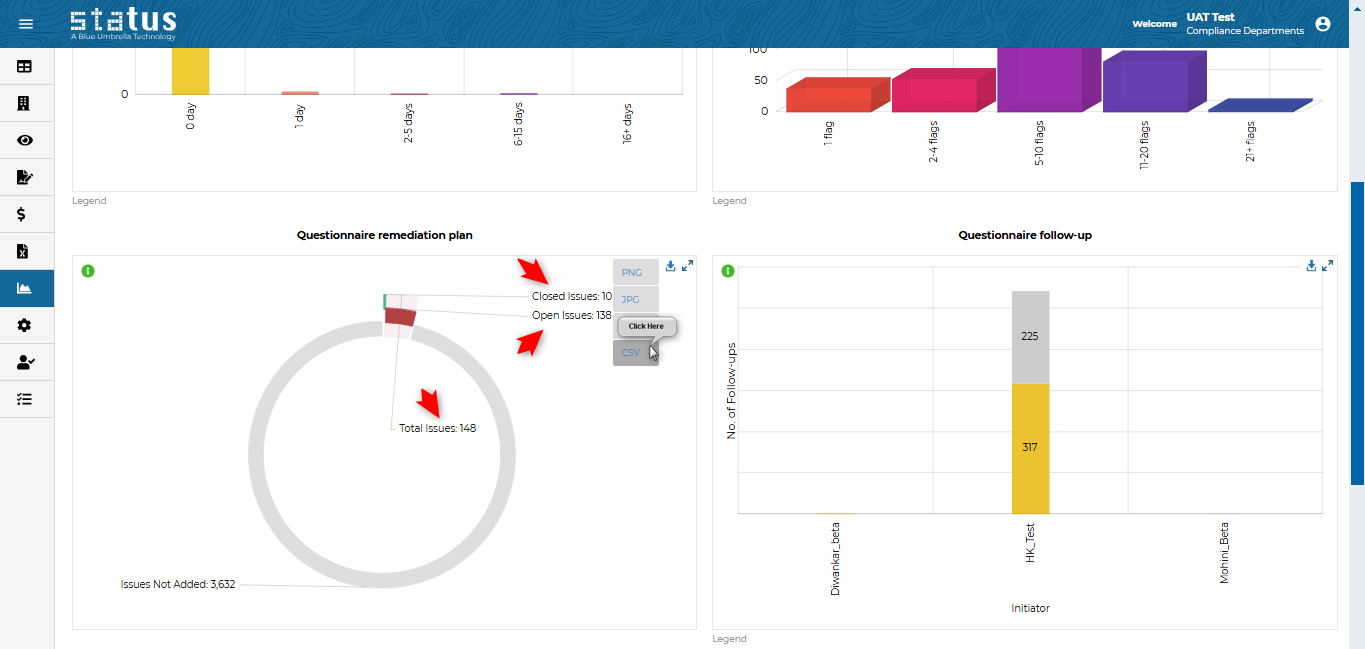
Questionnaire Remediation Plan Graph
Users can now view the graph “Questionnaire remediation plan” on a new format allowing them to download the data into a CSV file.
Monitoring Cases Filter
Applied filters on monitoring cases are now visible on top of the page for easier reference.

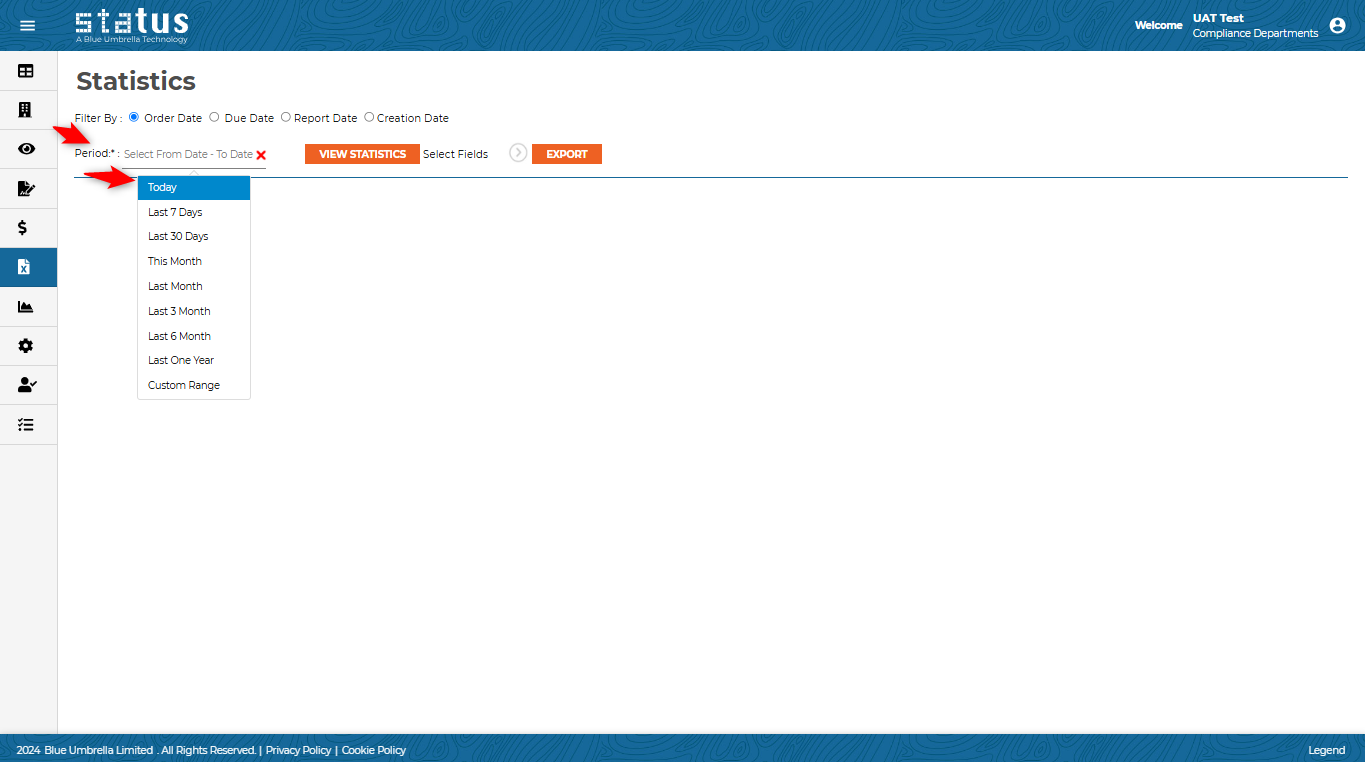
Dynamic Date Filter on Statistics
Users can now leverage the dynamic date filtering set on any saved query on Statistics. Once the user selects the saved query, the date(s) will be updated automatically based on the saved query, for example, “today.”
We always welcome your feedback and suggestions on how to make Status more impactful to your compliance workflow.
For more information on the production updates, please reach out to your Client Success Manager today.
Thanks,
Blue Umbrella Team