Corporate Documents
Similar to the Questionnaire and Code of Conduct, corporate document retrieval can be ordered from Blue Umbrella and automated through Status.
Simply select “Order” and enter the contact details of the third party on the next screen.
The contact provided will be sent login details to access a third party user interface. This interface does not provide any of your private data but allows them to enter the requested information and/or upload documents.
Retrieval of Corporate Documents
Placing order and 3P Portal view
- From 3P dashboard, click on “Order” button.
- That will lead to the order page.
- Select the service “Retrieval of Corporate Documents” and hit “Proceed”.
- That will lead to “Order confirmation page”, check and click on “Confirm” to place the order.
- 3P will receive an email with a link through which they can securely login to the “3P Portal”.
- There they can access the service requested and complete the process.
- Clicking on “Start” will take them to the request.
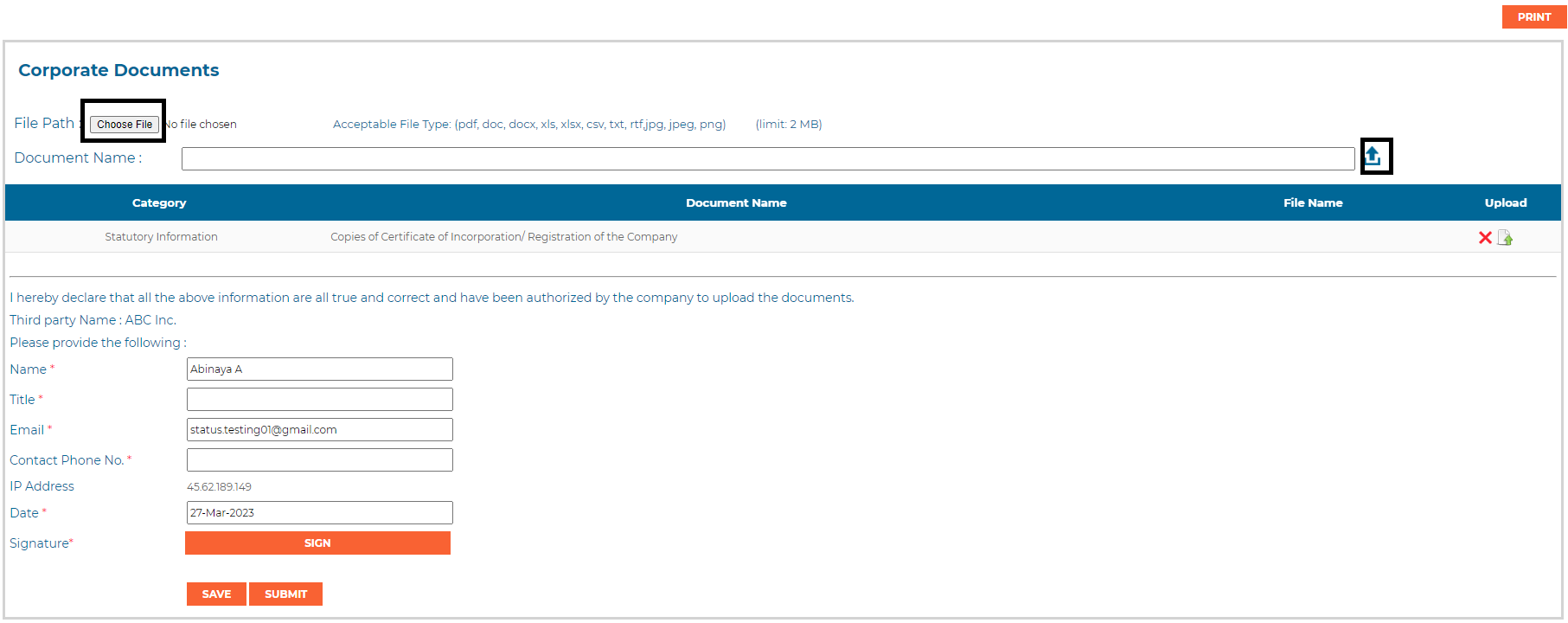
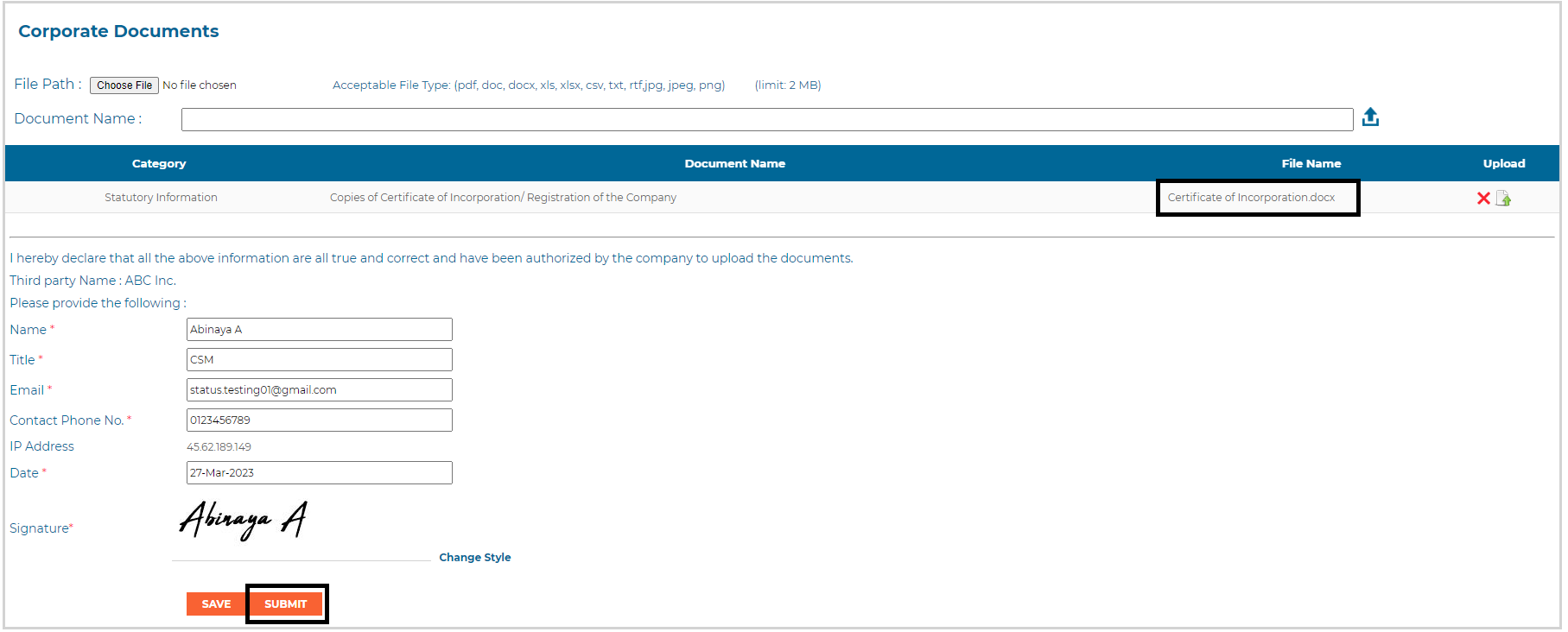
- There they can “upload” the requested document, sign and Submit.
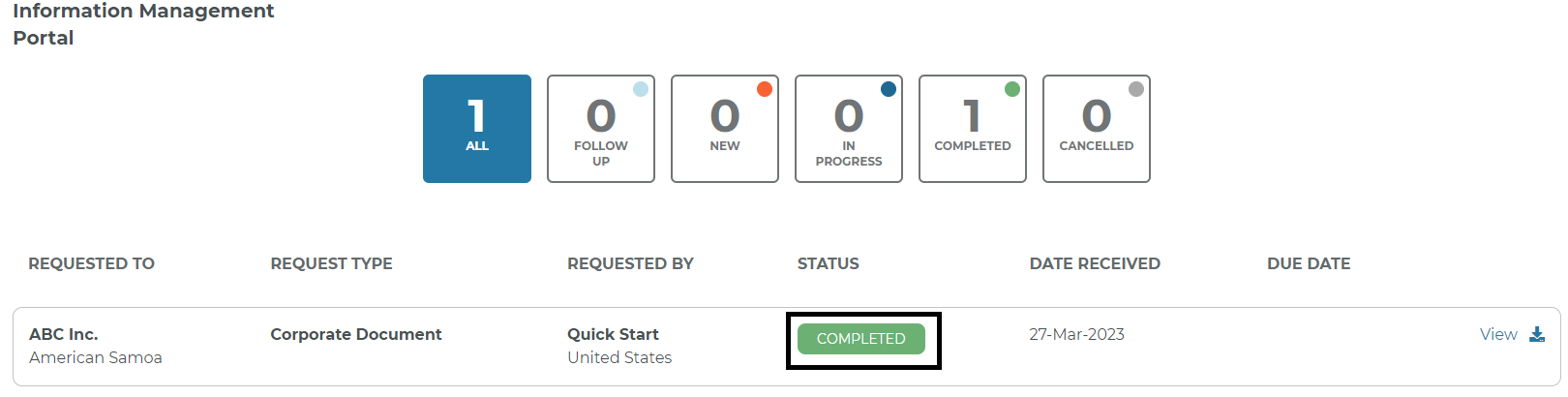
- That is also captured in the 3P Portal.
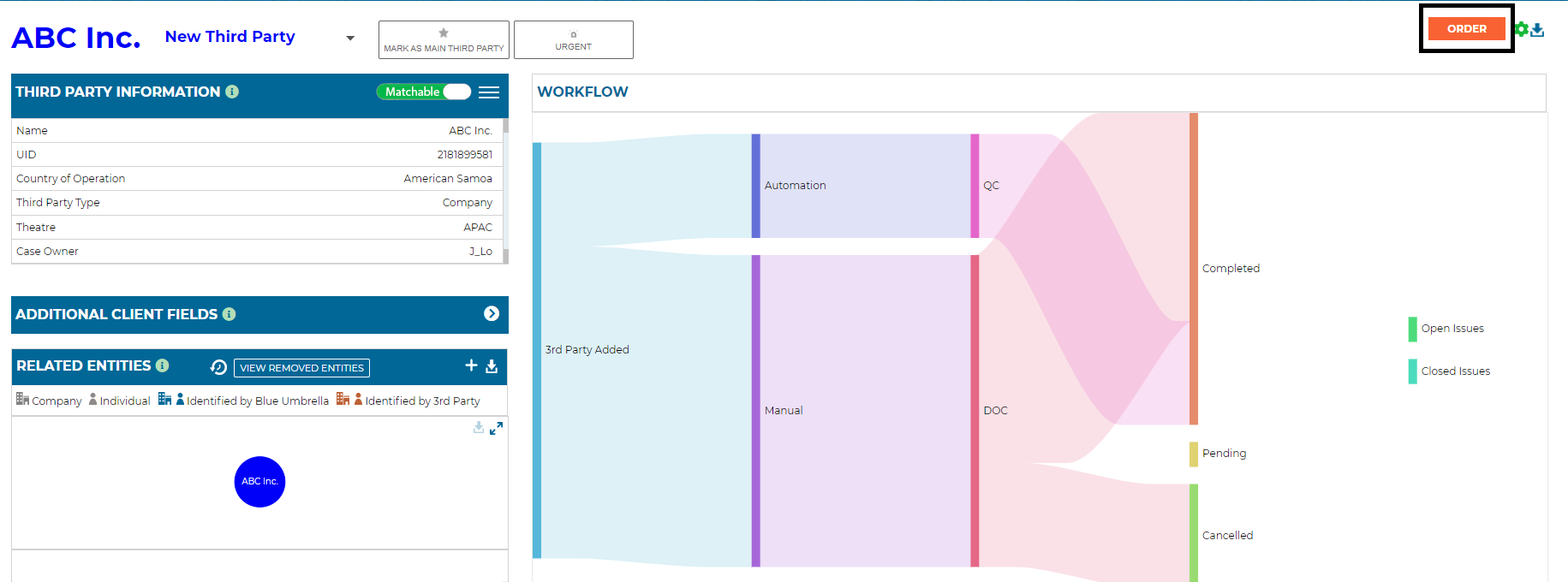 3P Dashboard
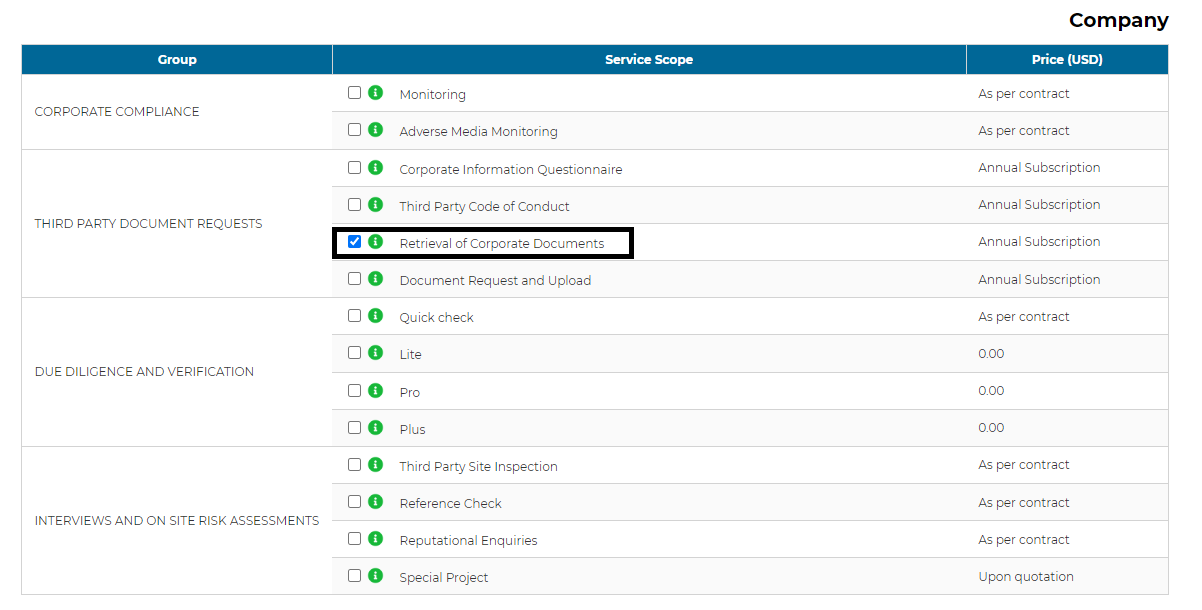 Order Page
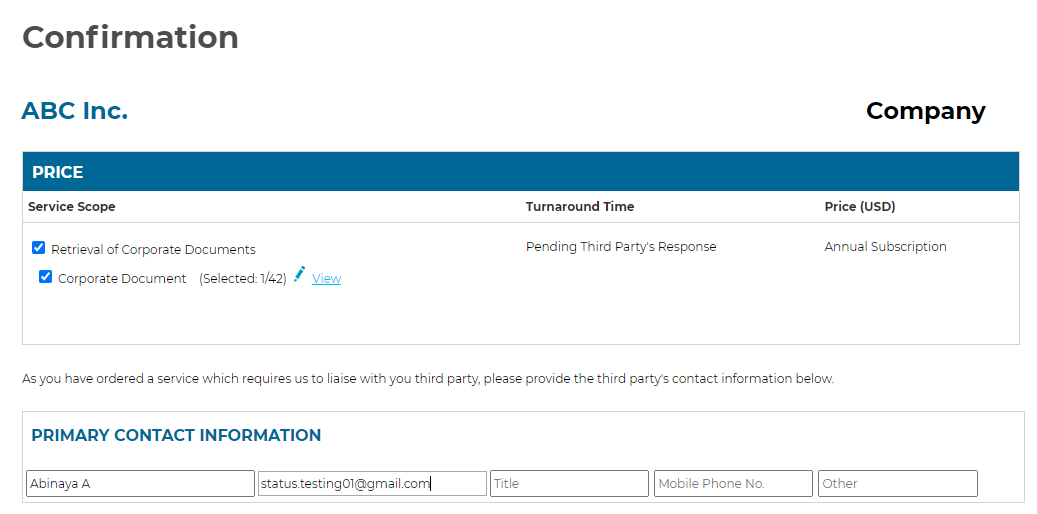 Order confirmation page

 3P Portal