
- Share Excel Files by Email
Users can now share Excel documents directly from the My Third Parties and Business Intelligence pages via email.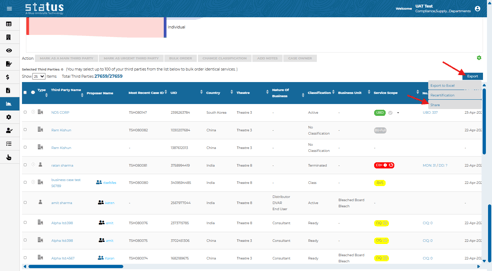
- Share Basic and Master Reports
Users can now share the Basic and Master reports directly from Status with other recipients.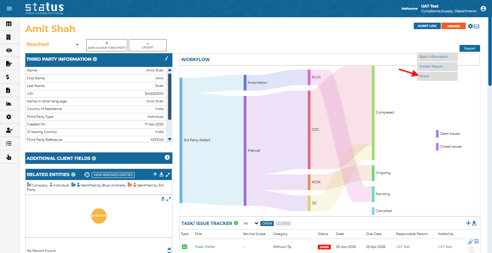
- “Requires Remediation” on Monitoring Tile
A new Requires Remediation field is now available on the Monitoring tile, enabling faster identification and remediation of issues.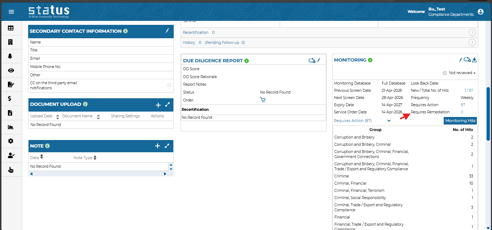
- “Do Not Show Again” Option for Review Status Change
A new option has been added to the Review Status Change dialog, allowing users to suppress the notes prompt for the remainder of the session when changing the review status of a finding or a service.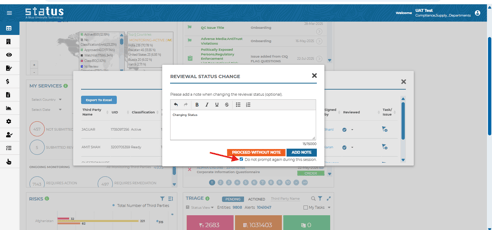
- Region Field Available in Recert Update Export
Users can now export the Region (Theatre) field when downloading data from the Recert Update tile.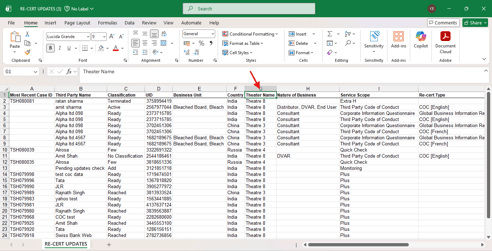
- Filter by Business Case Questionnaire and Language
Users can now filter results by Business Case questionnaire type/name and language on the My Third Parties and Business Case Business Intelligence pages.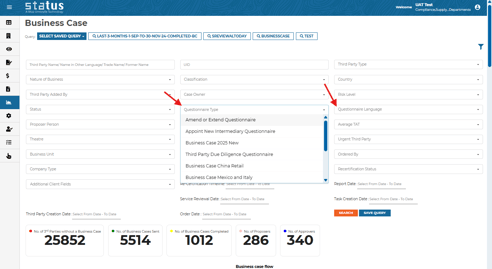
- Recurring Reminders for Task and Issue Tracker
Recurring reminders can now be configured for tasks and issues using a defined cadence. Reminders are automatically sent to the responsible person, as well as any users listed under Notify User, and will continue until the task or issue is closed. To enable this feature, please contact your Client Success Representative.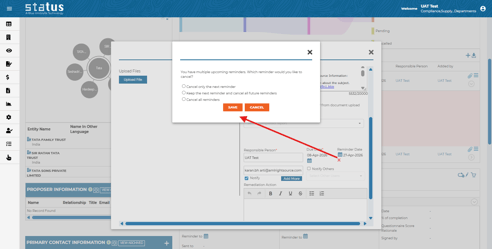
We always welcome your feedback and suggestions on how to make Status more impactful to your compliance workflow.
For more information on the production updates, please reach out to your Client Success Manager today.
Thanks,
Blue Umbrella Team