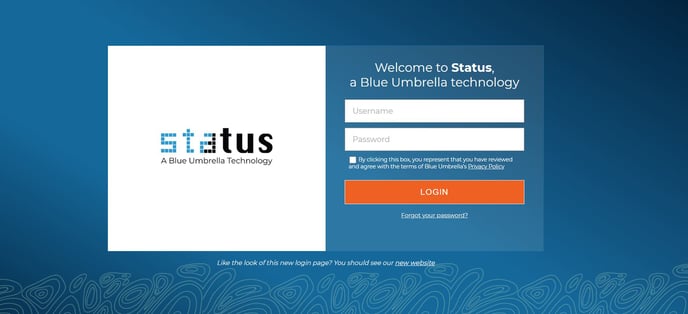
- Navigate to the Status login page and click on 'Forgot your password?'
- Enter your email address as prompted
- Watch your inbox for an email notification prompting you to reset your password
- Click on the link in the email. Enter a new password, confirm the new password and click on the CHANGE PASSWORD button
- You will be notified that the password was successfully changed.